Unlock an encrypted ZIP when you already know the password
A password-protected ZIP does not need to be fully extracted just because you want one file from it. If you already have the correct password, the opener above lets you unlock the archive, browse its filenames and download individual files.
The password is used to test the encrypted archive and is then supplied again only when an encrypted entry needs to be decrypted. You can also search the visible file list when the ZIP contains many items.
This is an archive opener, not a password recovery tool. It does not guess, crack or remove a password you do not know.
This encrypted-archive reader is part of Xplore File Manager, a collection of browser tools for inspecting and extracting files without turning every archive task into a desktop-software workflow.
How to open a password-protected ZIP online
You need the actual archive password. Once that is available, the workflow is straightforward: choose the ZIP, verify the password, browse the files and download only what you need.
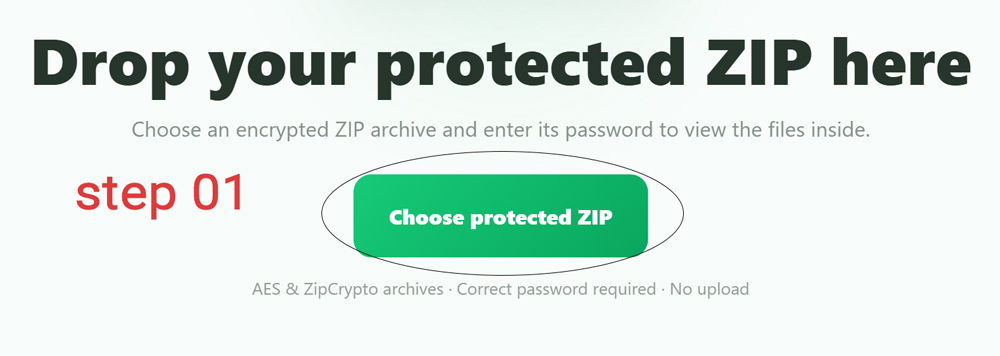
Choose the protected ZIP
Click Choose protected ZIP or drag a
.zip archive onto the tool.
The current version accepts ZIP files up to 600 MB. It also rejects archives with more than 5,000 entries or more than 1.5 GB of total uncompressed file data.
Enter the password that belongs to the archive
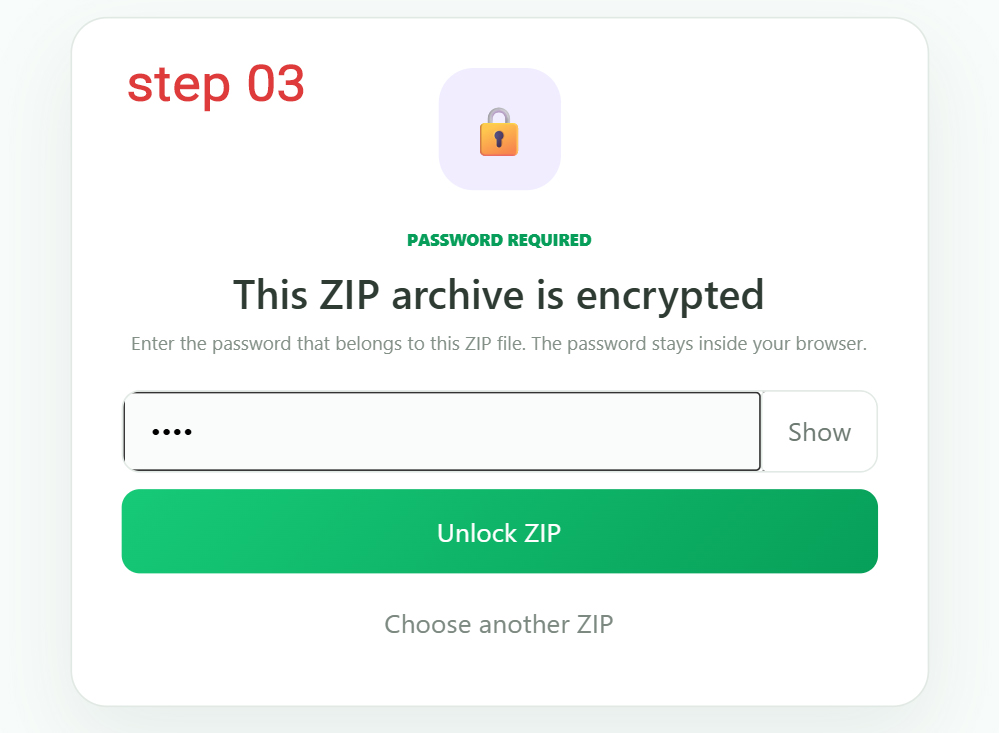
When encrypted files are detected, the viewer moves to the password screen. Enter the ZIP password and click Unlock ZIP.
You can temporarily switch the field between Show and Hide if you need to check what you typed.
The password is tested against an encrypted file
The tool does not assume that any text entered into the box is correct. It asks the ZIP engine to test the password against an encrypted entry before opening the workspace.
If validation fails, the tool reports that either the password is incorrect or the archive uses an unsupported encryption method.
Search the archive instead of scrolling through every file
Once unlocked, the workspace shows the ZIP filename, number of files, number of encrypted files and compressed archive size.
Search files filters the list by filename. The visible rows show each file's path, uncompressed size and security status. For very large archives, the current interface renders up to the first 1,500 matching files.
Download the individual decrypted file
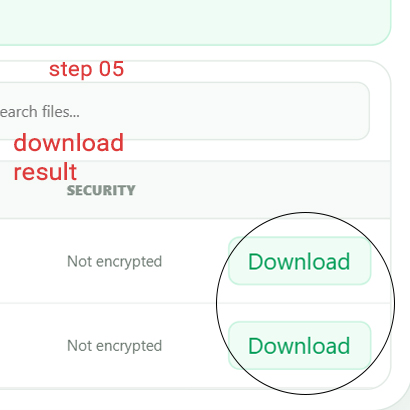
Click Download beside the file you need. The encrypted entry is decrypted at that point and its CRC is checked while the file data is read.
The download uses the file's basename, so you receive the actual selected file rather than another ZIP archive containing it.
This tool opens encrypted ZIPs; it does not recover forgotten passwords
Password-protected archives are designed so that the content cannot simply be opened when the password is unknown.
The tool needs the correct password supplied by you. There is no brute-force mode, password guessing or password-removal step hidden behind the Unlock button.
AES and older ZipCrypto archives are part of the intended workflow
Modern encrypted ZIP archives
The tool is designed to work with encrypted ZIP entries supported by the browser ZIP engine, including AES-protected archives.
Traditional ZIP encryption
Entries reported as traditional ZipCrypto are identified as such in the Security column.
A normal ZIP is not treated as a fatal error
If no encrypted files are detected, the tool tells you that the archive does not appear to be password protected and then opens the regular file workspace anyway.
You can still browse and download its contents, although the standard ZIP Viewer is the more natural tool for an archive that never needed a password.
Encrypted archives are checked before the full workspace is opened
The password and archive processing stay in the browser workspace
The ZIP is opened by the browser-side archive engine. Your password is used there to verify encrypted content and later decrypt individual files when requested. The source ZIP itself is not rewritten.
Questions about encrypted ZIP archives
Can I open a password-protected ZIP online?
Yes, when you know the correct password and the encryption method is supported by the current ZIP engine.
Can this tool find my forgotten ZIP password?
No. It verifies a password you provide; it does not crack or guess passwords.
Does it support AES-encrypted ZIP files?
AES-encrypted ZIP support is part of the current tool's intended archive support.
Does it support ZipCrypto?
Yes. Traditional ZipCrypto entries are supported and identified in the archive list.
Can I search inside the ZIP?
Yes. The current search filters archive entries by filename.
Do all files get decrypted immediately?
No. The password is verified first, while individual encrypted entries are decrypted when you download them.
Can I use it with an unprotected ZIP?
Yes. The tool shows a notice and still opens the normal archive contents.
What is the maximum ZIP size?
The current browser limit is 600 MB per ZIP archive.
Why can the password be correct but one file still fail?
An individual entry can still fail if it is damaged, uses an unsupported encryption variation or cannot pass its integrity check.
Enter the password, find the file and decrypt only what you need
Browse protected archive contents without turning a one-file download into a full extraction job.