Turn a saved email into a document you can archive, print or share
An EML file is useful when you want to preserve the original email structure, but it is not always the easiest format to hand to someone else. A PDF is usually simpler when the goal is to keep a readable copy of the message with the important email details visible.
The converter above opens the EML first so you can check what will appear in the document. The preview includes the subject, sender, recipients, date and readable message body, plus a list of attachments found in the email.
You can then choose A4 or Letter page size and create the PDF from that preview.
This email converter is part of Xplore File Manager, a collection of browser-based tools for opening, inspecting and transforming everyday file formats without adding another desktop app to the job.
How to convert an EML email to PDF
Check the message first, then create the document. That small preview step is useful when an EML comes from an old backup or someone else's archive and you are not completely sure what is inside.
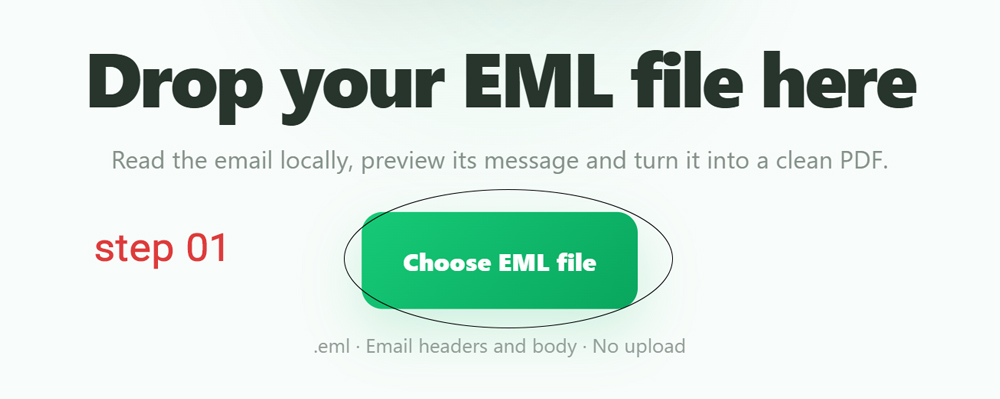
Choose the EML file
Click Choose EML file or drag the saved email onto the converter.
The current version accepts .eml files up to
40 MB. Empty files and other extensions are
rejected before the PDF workspace opens.
The message structure is read before anything is rendered
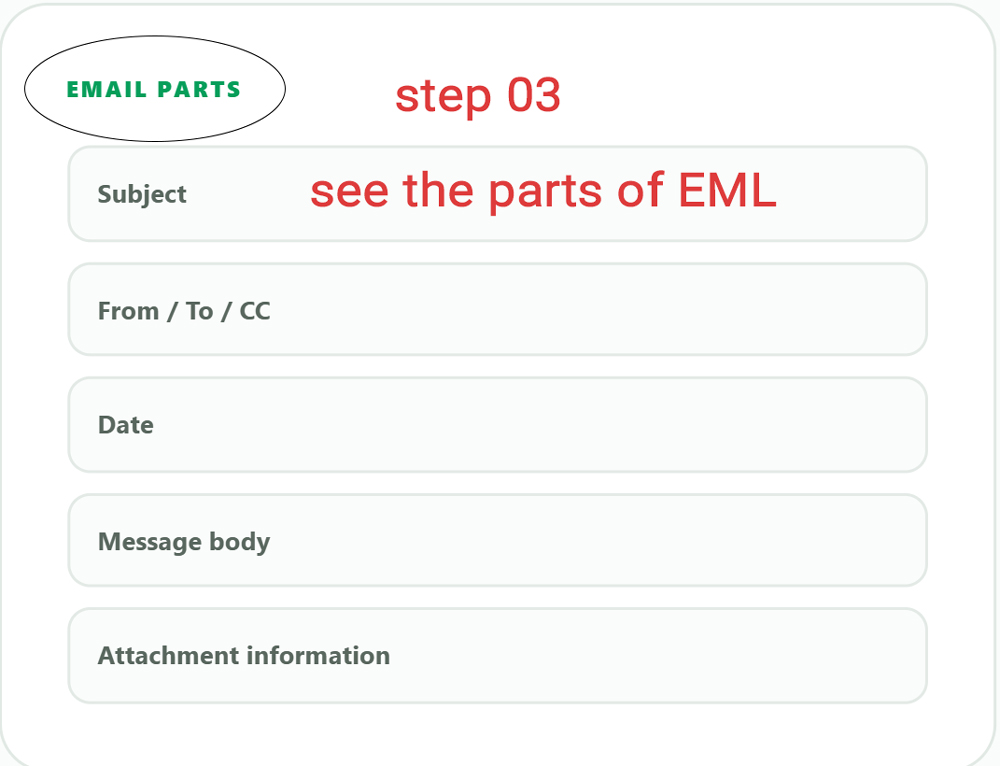
The converter parses the EML's MIME structure to find the common message headers, plain-text body, HTML body and attachment information.
This matters because an email is rarely just one block of text. HTML mail, multipart alternatives and attachments can all live inside the same EML.
Check the PDF preview before saving it
The document preview shows the email subject, sender, recipients, CC when present, message date and the readable body.
If the EML contains HTML, the converter uses the cleaned HTML version. If there is no HTML body, it falls back to the plain-text message instead.
Choose A4 or Letter page size
Use the Page Size menu above the preview to choose between A4 and Letter.
The generated PDF uses portrait orientation. Choosing the page format before export is especially useful when the document will be printed rather than kept only as a digital record.
Download the finished PDF
Click Download PDF when the preview looks right.
The output name is based on the EML filename, with
.pdf replacing the original extension.
The PDF is rendered from the document preview rather than converting the raw MIME source into pages.

The goal is a readable email record, not a byte-for-byte copy of EML
Email subject
The decoded subject is placed near the top of the document.
From, To, CC and Date
Common message headers are presented in a readable document layout.
HTML or plain text
HTML is used when available; otherwise the readable text body is inserted into the document.
Attachment list
Attachment filenames and sizes can be listed in the PDF preview.
Attachment names are listed—the attached files are not embedded into the PDF
When an EML contains attachments, the converter records their filenames and sizes and shows that information below the email body.
It does not append the actual PDF, image, spreadsheet or other attachment contents as extra pages. The resulting document is a readable representation of the email itself.
The preview is deliberately more cautious than opening a normal web page
HTML email can contain active markup and remote image URLs. Before rendering the message, the converter sanitizes the HTML and removes scripts, iframes, objects, embeds and forms.
Images using normal remote HTTP or HTTPS URLs have their source removed too. That means some newsletters will look simpler than they did in the original inbox, but the document remains focused on the readable message.
Useful reasons to convert an email instead of keeping only the EML
Keep a readable record
PDF is easier to open later when the original mail application is no longer part of the workflow.
Prepare the message for paper
Choose A4 or Letter depending on how the email document will be printed.
Send a document instead of an email file
A recipient can read a PDF without needing software that understands EML.
The EML is parsed and the PDF is rendered in your browser
The selected email is read into the page, its message content is prepared for the preview and the PDF is generated from that local document view. The original EML itself is not rewritten.
Questions about saving email messages as PDF
How do I convert EML to PDF online?
Choose the EML file, review the email preview, select A4 or Letter and click Download PDF.
Does the PDF include the sender and recipients?
Yes. The preview includes From, To, CC when available, Date and Subject.
Does it support HTML email?
Yes. HTML is sanitized before being placed into the PDF preview.
What happens if the email has no HTML body?
The converter falls back to the plain-text message body.
Are remote email images loaded?
HTTP and HTTPS image sources are removed from the rendered message before PDF creation.
Are email attachments embedded into the PDF?
No. Their filenames and sizes are listed, but the attachment contents themselves are not appended as PDF pages.
Can I create an A4 PDF?
Yes. A4 and Letter are the two page-size options in the current version.
What is the current EML size limit?
The current browser converter accepts EML files up to 40 MB.
Does conversion change the original EML?
No. A separate PDF is generated while the source email remains unchanged.
Check the email, choose the paper size and save the readable version
Keep the message content and important email details together in one simple PDF document.