Open an XML file and understand its structure without reading one long wall of markup
XML is designed to describe structured information, but that structure is not always obvious when a large document is opened as plain text. Nested elements, attributes and values can quickly become difficult to follow.
The XML viewer above gives you two ways to inspect the same document: a visual XML tree for following the hierarchy and a source view for working directly with the markup. You can search the structure, expand or collapse branches, format the source, minify it and save a formatted XML copy.
The XML viewer is part of Xplore File Manager, a collection of practical browser-based tools for opening and understanding files without installing a full desktop application for every format.
How to open and view an XML file online
Start with the original XML document or paste XML markup directly, then move between the structural tree and formatted source depending on what you need to inspect.
Choose the XML file you want to inspect
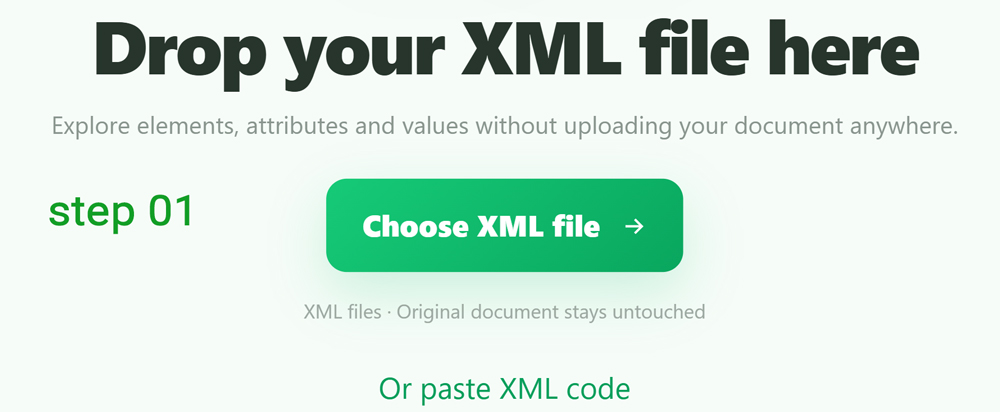
Click Choose XML file or drop a .xml document onto the upload area. The current viewer accepts XML files up to 20 MB.
If you do not have a file, choose Or paste XML code and enter a complete XML document directly.
Let the viewer check the XML syntax
The document is parsed as XML before the workspace opens. If the markup contains syntax that prevents it from being parsed as a valid XML document, the viewer reports the problem instead of pretending that the file loaded successfully.
Once it opens, the workspace also reports the number of elements, attributes and the source file size.
Explore the document tree and search the XML structure
Use Tree mode when you want to follow parent and child elements visually. Individual branches can be opened and closed, while Expand all and Collapse all help with larger documents.
Search can highlight matching tree rows based on element names, attribute information and values shown in that row, making it easier to locate a particular part of the document.

Switch to XML source and choose formatted or minified code
Select Source when you want to inspect the XML markup directly. The Format control adds readable indentation, while Minify removes unnecessary whitespace between tags.
You can also copy the version currently shown in the source panel to your clipboard.
<catalog>
<item id="1">
Example
</item>
</catalog>
Download the original XML or a formatted copy
Use Download original when you want the XML source as it was opened.
If you want a cleaner copy for reading or further work,
Download formatted XML creates a separate file
with -formatted.xml added to the filename.

What is an XML file?
XML stands for Extensible Markup Language. It stores information inside named elements and can use attributes to attach additional information to those elements.
Unlike a flat table, XML can represent nested relationships. An element can contain text, attributes and more child elements, which is why a tree view is often more useful than reading the document from top to bottom.
Two views of the same XML answer two different questions
Understand relationships
Use the tree when you need to see which elements sit inside other elements and move through a deeply nested document.
Inspect the actual markup
Use Source when syntax, tags, attributes, indentation or copying the markup matters more than the visual hierarchy.
<root><item>A</item><item>B</item></root>
↓ FORMAT ↓
AFTER
<root>
  <item>A</item>
  <item>B</item>
</root>
Format XML when structure matters more than saving characters
A compact XML document may be perfectly valid while still being hard for a person to read. Formatting introduces line breaks and indentation so nested markup becomes easier to follow.
Minifying does the opposite: it removes whitespace between XML tags when you want a more compact source representation.
Your XML is inspected in the browser
Parsing, tree generation, searching, formatting and minifying are performed by the page in your browser. The original XML is not overwritten when you change how the document is displayed.
Common questions about opening XML files online
How do I open an XML file online?
Choose or drop the XML file into the viewer above. You can also paste a complete XML document directly into the paste workspace.
Can I view XML as a tree?
Yes. Tree mode displays the parsed XML hierarchy and allows expandable and collapsible branches.
Can I search inside an XML file?
Yes. Search checks the visible content associated with XML tree rows and highlights matching entries.
Can I paste XML code instead of uploading a file?
Yes. Use Or paste XML code, enter a complete XML document and choose View XML.
How can I check whether XML syntax is valid?
The document is parsed before the workspace opens. XML that produces a parser syntax error is rejected and an error message is shown.
Can I format XML online?
Yes. Source mode includes a Format control that displays an indented version of the XML.
Can I minify XML?
Yes. Minify removes line breaks and whitespace that sits between tags in the displayed source.
Can I download formatted XML?
Yes. Download formatted XML creates a separate formatted XML file while the original remains available separately.
What is the maximum XML file size?
The current viewer accepts XML files up to 20 MB.
Open your XML and follow the structure from root to value
Inspect the tree, search the document, switch to source code and download the version you need.