Open a Java JAR as the ZIP-compatible archive it already is
A JAR is usually thought of as a Java application or library, but its underlying archive structure is based on the ZIP format. That means the files stored inside a normal JAR can also be viewed through a ZIP-compatible archive reader.
The converter above validates the JAR archive, reads its contents for inspection and then gives you a .zip download using the original archive bytes.
No files are recompressed and the internal archive data is not rewritten just to create the ZIP download.
This Java archive converter is part of Xplore File Manager, a set of browser-based tools for opening, inspecting and reorganizing archive formats without adding unnecessary steps to a simple file task.
How to convert a JAR file to ZIP online
Because a normal JAR already uses ZIP archive structure, this workflow is fundamentally different from converting TAR or ZIPX.
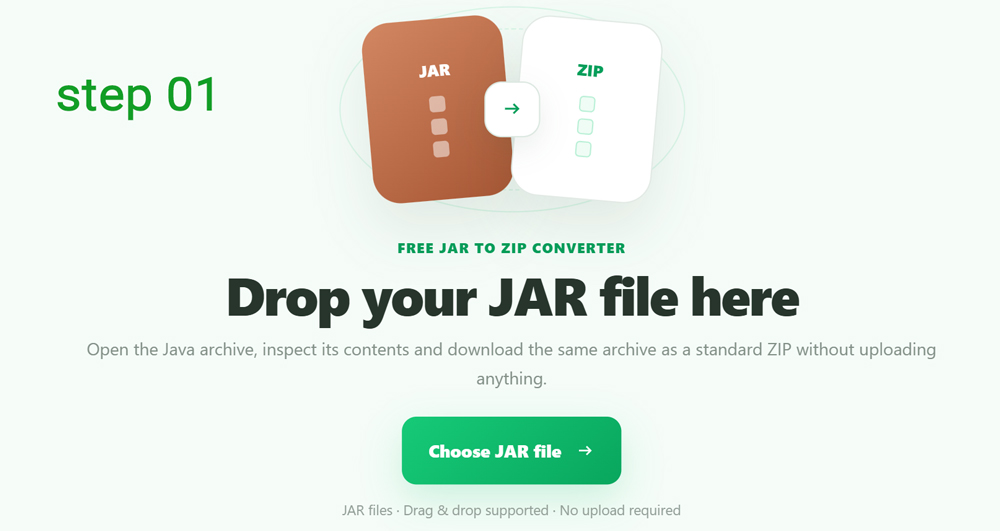
Choose your JAR file
Click Choose JAR file or drag the .jar archive onto the converter.
The current tool accepts JAR archives up to 350 MB and checks that the selected file has a recognizable ZIP-compatible archive signature before continuing.
The converter validates and reads the JAR contents
The archive is opened with a ZIP-compatible reader so the converter can verify that its files are readable and build the content list shown in the workspace.
If the file merely has a .jar extension but does not contain recognizable JAR/ZIP archive structure, it is rejected.
Browse and search the files inside the JAR
Before downloading the ZIP version, you can inspect the files found inside the Java archive.
The list shows each file's name, archive path, extension and
extracted size. Search works against the full archive path, which
is useful for locating entries under directories such as
META-INF, package folders or embedded resources.
Convert without extracting and recompressing the archive
Click Convert to ZIP. Unlike formats that need to be unpacked and rebuilt, a JAR is already ZIP-compatible.
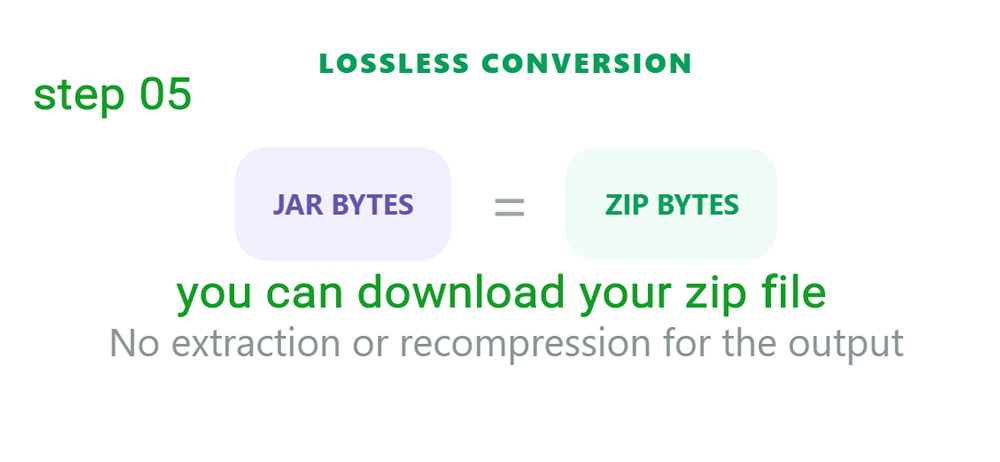
The converter therefore keeps the original archive bytes intact for the ZIP result rather than modifying individual files or running another compression pass.
Download the ZIP version
When the result panel appears, click Download ZIP.
The basename stays the same while the final filename changes from
something such as library.jar to
library.zip.
What is a JAR file?
JAR stands for Java Archive. It is commonly used to package compiled Java classes, resources and supporting files into one archive.
A JAR may contain entries such as
.class files, images, configuration files, package
directories and files under META-INF.
The important detail for conversion is that standard JAR archives are based on ZIP archive structure. That is why a JAR can be exposed as a ZIP file without rebuilding every stored entry.
If JAR uses ZIP structure, what is actually different?
| Feature | JAR | ZIP |
|---|---|---|
| Archive structure | ZIP-compatible | ZIP |
| Primary purpose | Java classes and application resources | General-purpose file archiving |
| Java metadata | May contain META-INF and manifest information | No Java-specific requirement |
| Conversion used here | Original archive bytes retained | .zip download |
Turning JAR into ZIP does not turn compiled Java code into source code
A .class file remains a compiled Java class after the
archive is downloaded as ZIP. The converter changes how you access
the archive—not the meaning of the files stored inside it.
If your goal is source-code recovery or Java decompilation, that is a different operation from JAR-to-ZIP conversion.
Why download a JAR as ZIP?
Browse package files
A ZIP filename can make it easier to inspect JAR resources in tools designed around standard ZIP archives.
Locate embedded assets
Inspect images, configuration files and other resources stored alongside compiled Java classes.
Use normal ZIP tooling
Work with the package through software or workflows that expect a .zip filename.
The JAR is read in your browser and the original archive data is retained
The browser reads the JAR to validate and display its contents. The ZIP download itself is created from the original archive bytes, so the conversion does not require recompressing your Java package.
Questions about converting Java JAR archives to ZIP
Can a JAR file be converted to ZIP?
Yes. Standard JAR files use ZIP-compatible archive structure, so the same archive data can be downloaded with a .zip filename.
Does this tool recompress my JAR?
No. The current JAR converter keeps the original archive bytes for its ZIP output.
Is JAR to ZIP conversion lossless?
In this implementation the output is based on the same archive bytes as the input JAR, so the stored archive data is not recompressed or rewritten.
Can I see what is inside the JAR first?
Yes. The converter validates the archive by opening it and displays a searchable list of readable files before download.
Does JAR to ZIP decompile Java classes?
No. .class files remain compiled bytecode. This is archive-format access, not Java source-code decompilation.
Will META-INF files stay in the archive?
Because the ZIP result uses the original JAR archive bytes, the existing internal archive entries are not intentionally removed or rebuilt by the conversion.
Why might a JAR fail to open?
The file may not actually contain valid ZIP-compatible JAR structure, may be damaged or may use archive features the browser reader cannot decode for validation.
What is the maximum JAR size?
The current converter accepts JAR files up to 350 MB.
Does converting the JAR modify the original file?
No. The original JAR remains on your device and a separate .zip download is created.
Open your JAR, inspect the package and download it as ZIP
Keep the archive data intact while giving the package a standard .zip download.