AVIF to JPG Converter
Convert AVIF images without making the job complicated.
Convert AVIF to JPG online, adjust image quality, preview the result and download one image or an entire batch.
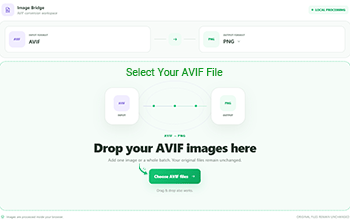
Drop your AVIF images here
Add one image or a whole batch. Your original files remain unchanged.
Choose AVIF files Drag & drop also works.More options
Convert AVIF to JPG without overthinking it
AVIF is excellent at keeping image files compact, but JPG is still easier to open, share, upload and use almost anywhere. The AVIF to JPG converter above gives you a quick way to turn one image or an entire batch into familiar JPG files while keeping control over quality, dimensions and the final result.
How to convert AVIF to JPG online
You do not need to install an image editor or configure a complicated conversion workflow. The process is deliberately short.
Choose your AVIF images
Drop AVIF files into the converter or use the file picker. You can add a single image or process several files together.
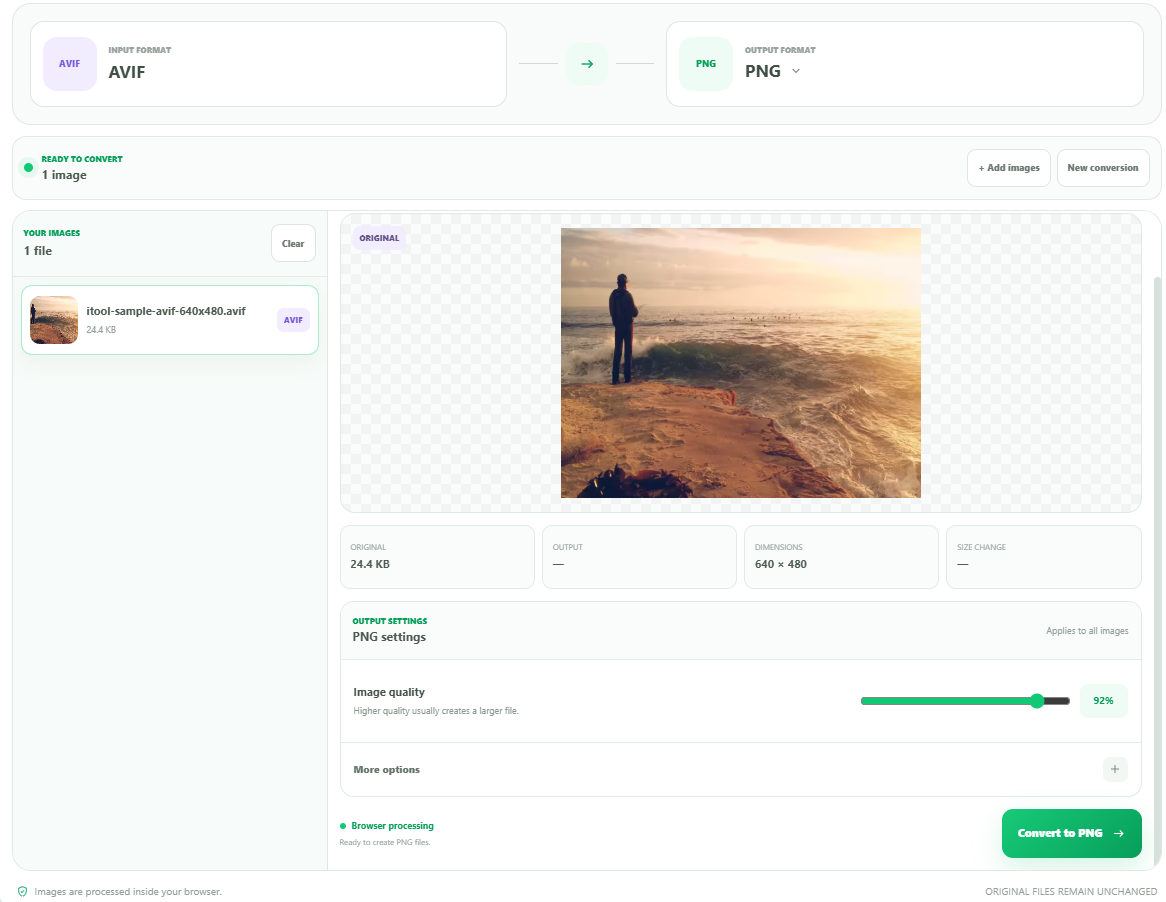
Set the JPG quality
Leave the default quality setting for a balanced result or adjust it when you want a smaller file or a higher-quality JPG.
Preview before and after
After conversion, use the comparison view to inspect the original AVIF and the JPG result before downloading it.
Download your JPG
Download the selected image immediately. If you converted several images, Xplore can package the results together for easier saving.
Why change an AVIF image to JPG?
AVIF is a modern image format designed for efficient compression. That makes it useful for the web, but it is not always the most convenient format when you are moving images between websites, apps, editing software or older devices.
JPG remains one of the easiest image formats to work with. Converting AVIF to JPG is useful when compatibility matters more than keeping the original format.
- Upload an AVIF image to a service that expects JPG or JPEG.
- Share an image with someone using software that does not handle AVIF well.
- Use the image in an older editor, document or workflow.
- Create a conventional photo file that is simple to send and store.
Modern compression and efficient file sizes
Broad compatibility and straightforward sharing
Get the JPG you actually want
Control JPG quality
JPG uses lossy compression. A higher quality setting keeps more image detail, while a lower setting can reduce the output size.
Resize while converting
Set maximum width or height values when you need a smaller image for websites, documents or sharing.
Choose a background
JPG does not support transparent pixels. If your AVIF contains transparency, choose the background that should replace it.
Inspect before downloading
Use the before-and-after view to check whether the chosen quality gives you the result you expected.
Need a different output format?
JPG is ideal when compatibility is the priority, but your AVIF image may be better suited to another format depending on what you plan to do with it.
AVIF vs JPG vs WEBP vs PNG
There is no single best image format for every job. Pick the output based on where the image will be used.
| Format | Best suited for | Transparency | Typical reason to choose it |
|---|---|---|---|
| AVIF | Modern image delivery | Yes | Efficient modern compression |
| JPG | Photos & compatibility | No | Works almost everywhere |
| WEBP | Websites | Yes | Modern web workflows |
| PNG | Graphics & transparency | Yes | Lossless output |
Your images stay on your device during conversion
The AVIF converter is designed to decode and create the image output inside your browser. Your original AVIF file is not intentionally uploaded to Xplore's server for the conversion operation, and the original file is never overwritten.
Common questions about AVIF to JPG conversion
What is an AVIF file?
AVIF is a modern image format designed to provide strong image quality with efficient compression. It is commonly used for modern web images and other workflows where reducing file size is useful.
Why convert AVIF to JPG?
JPG is easier to use with a wide range of websites, devices, editors and applications. Converting can make an AVIF image more convenient when broad compatibility is important.
Will converting AVIF to JPG reduce image quality?
JPG uses lossy compression, so some image information can be discarded during conversion. The quality control lets you choose the balance between visual quality and output file size.
What happens to transparent parts of an AVIF image?
JPG does not support transparency. The converter lets you choose a background color that replaces transparent areas. If keeping transparency is important, use the AVIF to PNG converter instead.
Can I convert several AVIF files at once?
Yes. Add multiple AVIF images, apply the output settings and convert them together. The completed files can then be downloaded individually or together.
Should I use JPG, WEBP or PNG?
Choose JPG when broad compatibility is the priority, WEBP for many modern web workflows, and PNG when you need lossless output or transparency.
One file problem. One tool that gets it done.
This converter is part of Xplore File Manager, a growing collection of focused online file tools built to make everyday file tasks faster and easier.