AVIF to PNG Converter
Convert AVIF images without making the job complicated.
Convert AVIF to JPG online, adjust image quality, preview the result and download one image or an entire batch.
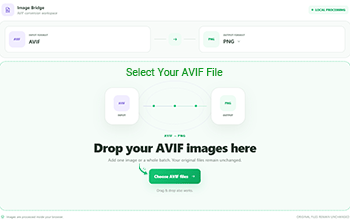
Drop your AVIF images here
Add one image or a whole batch. Your original files remain unchanged.
Choose AVIF files Drag & drop also works.More options
Turn AVIF into PNG when image detail and transparency matter
AVIF is great for modern image delivery, but PNG is often the easier choice when you need a lossless output, transparent backgrounds, graphics, screenshots or an image that will be edited again later. The converter above lets you move from AVIF to PNG without adding unnecessary steps to the job.
How to convert AVIF to PNG online
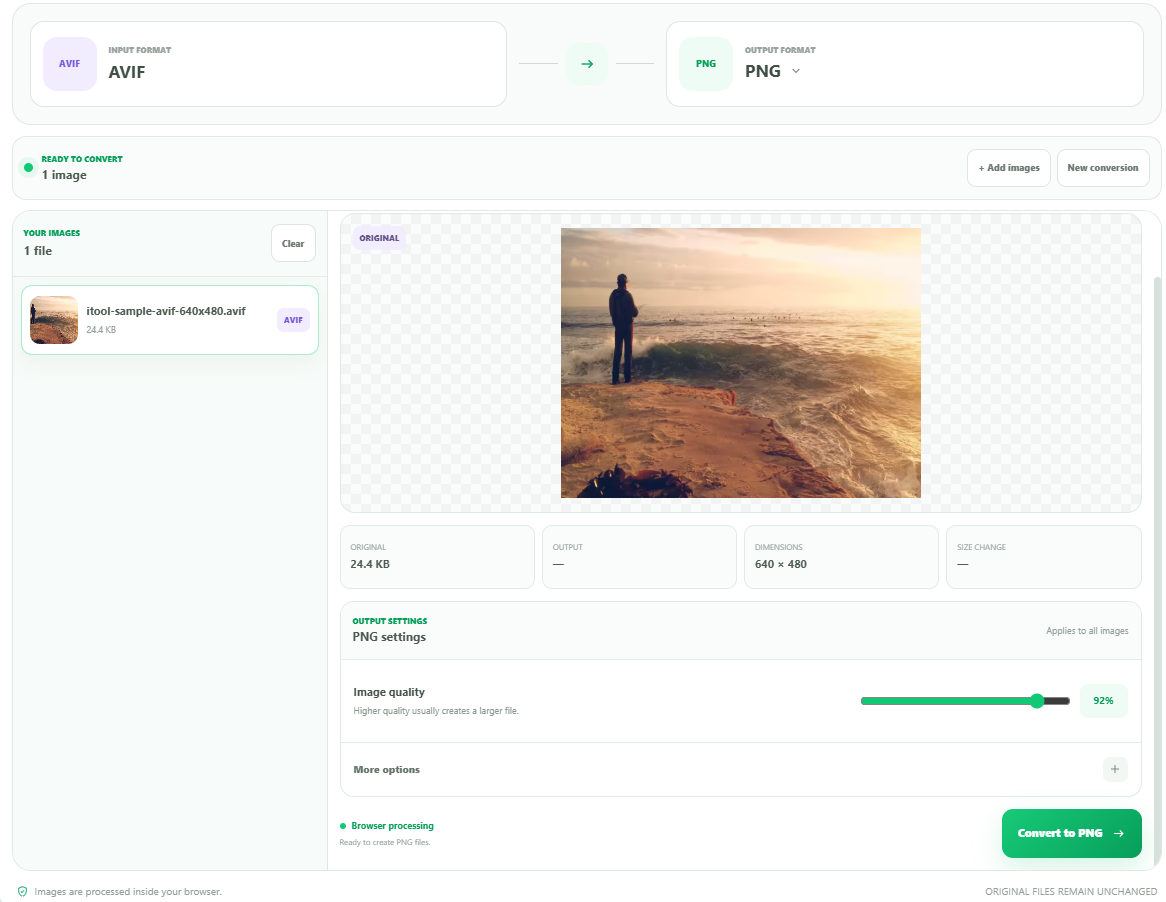
The basic workflow is intentionally simple: add the image, check your settings, convert it and save the PNG.
Choose an AVIF file
Drop your AVIF image into the converter or choose it from your device. You can also add multiple images when you have a batch to process.
Keep transparency when you need it
PNG supports transparent pixels, so transparent areas in a compatible AVIF image can remain transparent instead of being replaced by a solid background.
Resize if the image is too large
Use the resize controls when you need specific maximum dimensions. If you do not need resizing, leave the original dimensions untouched.
Convert and download
Create the PNG, inspect the result and download the image. Batch results can also be collected together for easier saving.
Why convert AVIF to PNG?
AVIF can be excellent for keeping images compact, especially for delivery on modern websites. PNG serves a different purpose. It is commonly chosen when preserving pixels, transparency and editing flexibility matters more than getting the smallest possible file.
JPG cannot store transparency. PNG can, which makes it the safer output when your original image contains transparent regions.
AVIF vs PNG: what actually changes?
- Designed for efficient compression
- Supports transparency
- Useful for modern image delivery
- Can produce much smaller files in many situations
- Lossless image storage
- Supports transparency
- Excellent compatibility
- Well suited to graphics, screenshots and editing
A PNG output can be larger than the original AVIF. That is not a conversion failure: the two formats use different compression approaches and PNG prioritizes lossless storage rather than minimum file size.
Maybe PNG isn't the format you actually need
Choose the output based on what happens to the image next. Xplore also provides dedicated converters for the other common AVIF workflows.
Choose JPG for photos, easy sharing and workflows where broad compatibility matters more than transparency.
Open AVIF to JPG → WEB Convert AVIF to WEBPChoose WebP when the image is headed for a website and you want another modern web-friendly format.
Open AVIF to WEBP →Which AVIF output should you choose?
AVIF conversion happens inside your browser
This converter is designed to decode your AVIF image and create the PNG output on your device. The original image is not intentionally uploaded to Xplore's server for the conversion operation, and your source file is not overwritten.
Questions about converting AVIF to PNG
Does PNG preserve transparency from AVIF?
PNG supports transparency. When the source AVIF contains transparency that the browser can decode, the PNG output can preserve those transparent areas.
Is PNG higher quality than JPG?
PNG uses lossless compression, while JPG uses lossy compression. That makes PNG useful when preserving image data is more important than minimizing file size. It does not automatically mean PNG is the best choice for every image.
Why is my PNG larger than my AVIF?
This is normal. AVIF is designed for highly efficient image compression, while PNG stores raster images losslessly. Depending on the image, a converted PNG may be considerably larger.
Should I convert AVIF to PNG or JPG?
Use PNG when transparency, sharp graphics or lossless output matters. Use the AVIF to JPG converter when broad compatibility and practical photo sharing are the main priority.
Is PNG good for photos?
PNG can store photos, but the resulting file can be much larger than JPG, WebP or AVIF. PNG is usually more attractive for screenshots, graphics, transparent images and assets that need lossless storage.
Can I convert multiple AVIF images to PNG?
Yes. Add multiple AVIF files to the converter, process them together and then download the completed PNG files.
Do I need to install software to convert AVIF to PNG?
No. The converter runs in a compatible web browser, so there is no separate image conversion application to install for this task.
Keep the format you need. Skip the complicated workflow.
AVIF to PNG is part of Xplore File Manager, a collection of focused online tools built to solve everyday file problems without unnecessary steps.