AVIF to JPG Converter
Convert AVIF images without making the job complicated.
Convert AVIF to JPG online, adjust image quality, preview the result and download one image or an entire batch.
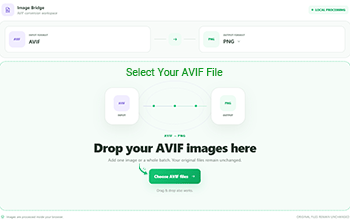
Drop your AVIF images here
Add one image or a whole batch. Your original files remain unchanged.
Choose AVIF files Drag & drop also works.More options
Convert AVIF to WebP for a flexible modern web workflow
AVIF and WebP are both modern image formats, but they do not always fit the same workflow. WebP can be a practical output when a website, CMS, editor or publishing system expects WebP files instead of AVIF. The converter above creates a WebP version of your image without requiring a separate desktop conversion app.
How to convert AVIF to WebP online
Add your AVIF image, choose the settings you need and create the WebP output in a few straightforward steps.
Add your AVIF image
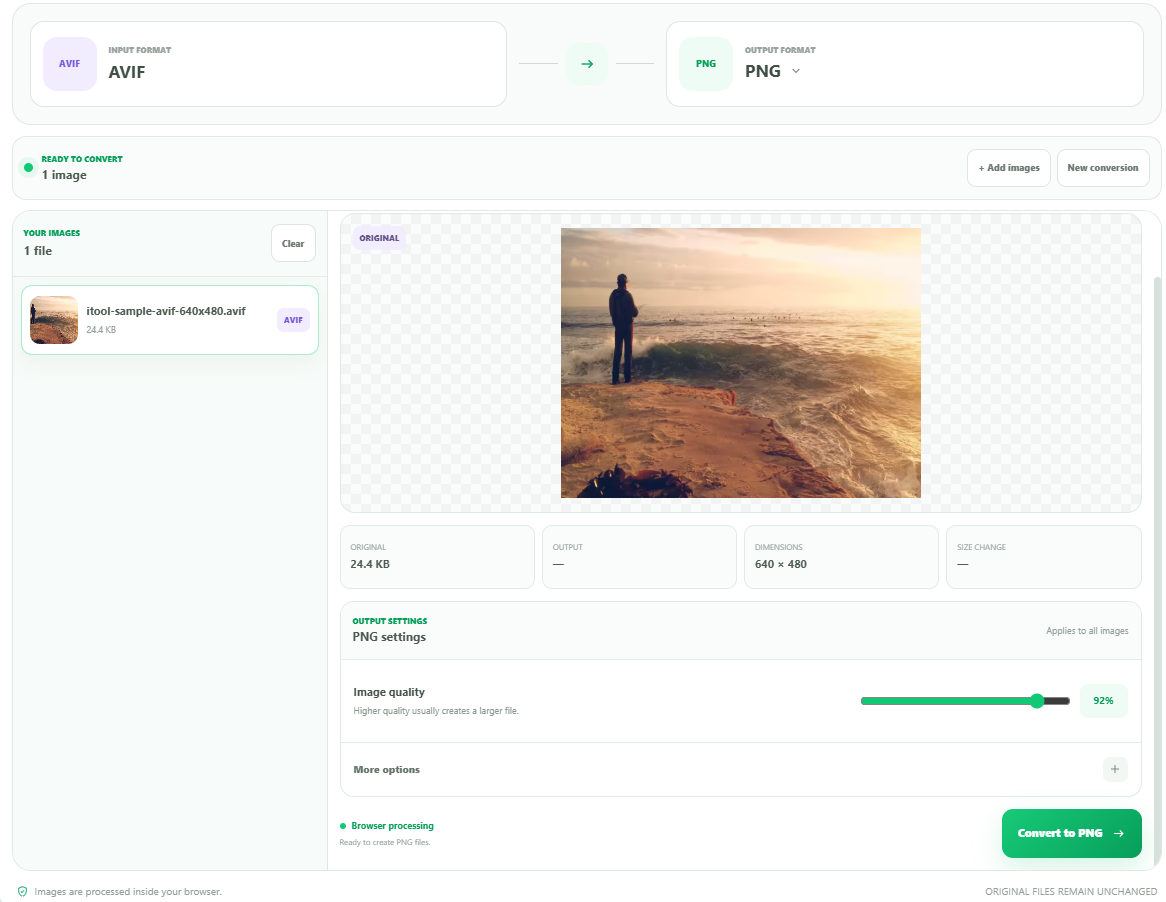
Drop an AVIF file into the converter or choose one from your device. Multiple files can also be added when you have several images to process.
Choose the WebP quality
When quality controls are available, use them to balance visual quality and output size. Higher quality does not automatically mean the most efficient file for every image.
Resize only when needed
If the image needs smaller dimensions for a website or project, use the resize controls. Otherwise, keep the original dimensions unchanged.
Convert and save the result
Create the WebP output, inspect the converted image and download the finished file to your device.
Why convert AVIF to WebP?
AVIF already provides efficient modern compression, so converting it to WebP is not automatically an upgrade. The main reason to convert is usually compatibility with a particular website, application or image workflow.
WebP supports lossy compression, lossless compression and transparency, giving it flexibility for different types of web images.
What is different about the WebP output?
WebP is not limited to one type of image compression. The way the file is encoded can affect both quality and final file size.
Lossy compression
Lossy WebP can reduce file size by discarding some image information. The visible result depends on the image and the selected quality.
Lossless compression
WebP can also store an image without the additional data loss caused by lossy WebP encoding.
Transparency
WebP supports an alpha channel, so transparent areas can be represented in images that require them.
AVIF vs WebP: what actually changes?
- Modern image format based on AV1 technology
- Supports lossy and lossless compression
- Supports transparency
- Can provide very efficient compression
- Modern image format widely used on the web
- Supports lossy and lossless compression
- Supports transparency
- Fits many existing website and CMS workflows
A WebP file is not guaranteed to be smaller than the original AVIF. File size depends on the image itself, its dimensions and the encoding settings used for both formats.
Do not judge the conversion by file extension alone
AVIF is already designed for efficient compression. Converting it to WebP can produce a smaller file in some cases and a larger one in others.
If file size matters, compare the actual WebP result with the source instead of assuming that one format will always be lighter.
Which AVIF output should you choose?
The destination of the image matters more than simply choosing the newest format.
| If you need... | Choose | Why |
|---|---|---|
| Familiar photo compatibility | JPG | Practical for ordinary photo sharing and older workflows |
| Lossless raster output | PNG | Useful for screenshots, graphics and transparent images |
| Another modern web image format | WEBP | Useful when your website or image workflow expects WebP |
Changing .avif to .webp is not enough
Renaming a file only changes its extension. It does not change the image data stored inside the file. A proper conversion reads the AVIF image and creates new WebP-encoded image data.
AVIF conversion happens inside your browser
The converter is designed to decode your AVIF image and create the WebP output on your device. Your source image is not intentionally uploaded to Xplore's server for the conversion operation, and the original file is not overwritten.
Questions about converting AVIF to WebP
Why convert AVIF to WebP?
WebP can be useful when a website, CMS, editor or publishing workflow expects WebP files. AVIF already works well for many modern uses, so conversion is mainly useful when WebP better fits the destination.
Is WebP always smaller than AVIF?
No. The result depends on image content, dimensions and compression settings. AVIF can already compress images very efficiently, so a converted WebP may sometimes be larger.
Does AVIF to WebP conversion reduce image quality?
Lossy WebP encoding can discard additional image information. Whether the difference is noticeable depends on the source and chosen quality. Lossless WebP uses a different approach and avoids that additional lossy encoding.
Does WebP support transparency?
Yes. WebP supports transparent pixels, which makes it suitable for many graphics, overlays, logos and interface assets.
Can I convert several AVIF files at once?
Yes. You can add multiple supported AVIF images to the converter and process them together when you have a batch of files.
Does converting to WebP increase resolution?
No. Changing the image format does not create new visual detail. Unless you deliberately resize the image, conversion is intended to change the file format rather than increase its true resolution.
Can I simply rename AVIF to WebP?
No. A filename extension does not change the image encoding. The AVIF data needs to be decoded and encoded again as a genuine WebP image.
Use the format your workflow actually needs
AVIF to WebP is part of Xplore File Manager, a collection of focused online tools for common file conversion and management tasks.
Convert AVIF to WebP