Browse an old mailbox without importing hundreds of messages into another email app
MBOX files are useful for backups because many separate emails can be stored in one mailbox file. That is also what makes them awkward to inspect: opening the raw file in a text editor gives you one long stream of headers, MIME sections and message bodies.
The MBOX viewer turns that mailbox into something much easier to work with. Messages are indexed into a list, you can search common header information, choose an email and read it in the viewer without importing the mailbox into an account.
Attachments belonging to the selected message are available separately, so you can work through the mailbox one email at a time.
This mailbox reader is part of Xplore File Manager, where file viewers focus on making stored data understandable before you commit to importing or converting it elsewhere.
How to open and browse an MBOX mailbox online
MBOX is not one email. The first job is to build an index of the messages, then you can work through the mailbox much like a simple local inbox.
Choose the MBOX mailbox
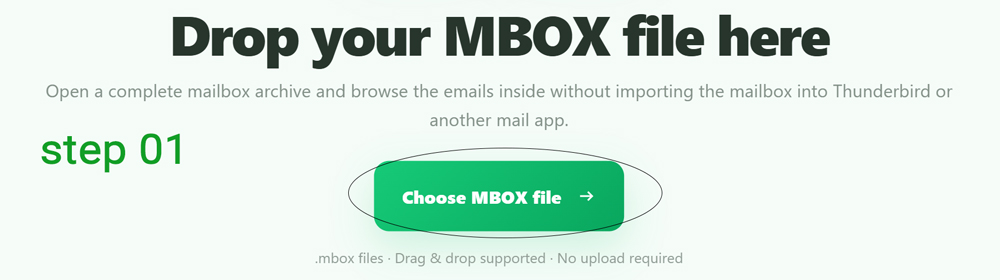
Click Choose MBOX file or drop a .mbox file onto the viewer.
The current browser version accepts mailbox files up to 120 MB. Because the file needs to be indexed in memory, very large mail archives are better handled with dedicated desktop software.
Let the viewer build the message list
The mailbox is split into individual stored messages and basic header information is indexed so the list can be browsed without fully rendering every email at once.
The interface shows the mailbox filename, total message count and source size once indexing is complete.
Search the mailbox and select the email you want
Use the mailbox search to narrow the list by common message information such as subject, sender, recipient or date.
Search is focused on this indexed header information rather than the full body text of every email. The visible message list is paginated in groups of up to 50 messages.
Read one message without rendering the entire mailbox
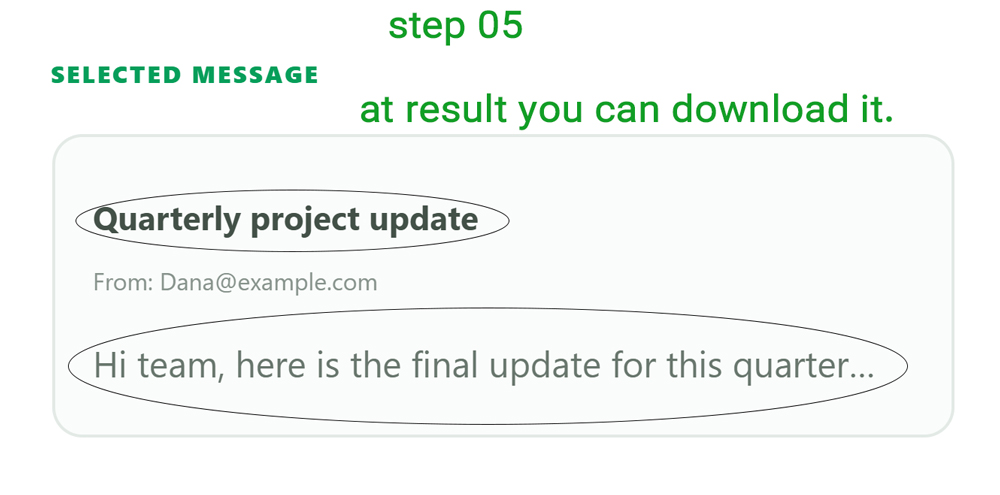
Selecting an email opens that message in the reader and parses its MIME content at that point.
You can check the sender, recipient, date and subject and then read either the plain-text or HTML body when those versions are available.
Hi team, here is the final update for this quarter…
Download attachments from the selected email
Attachments are tied to the currently open message rather than displayed as one giant mailbox-wide file list.
Choose the email first, then download only the attachment you need from that message.
What is an MBOX file?
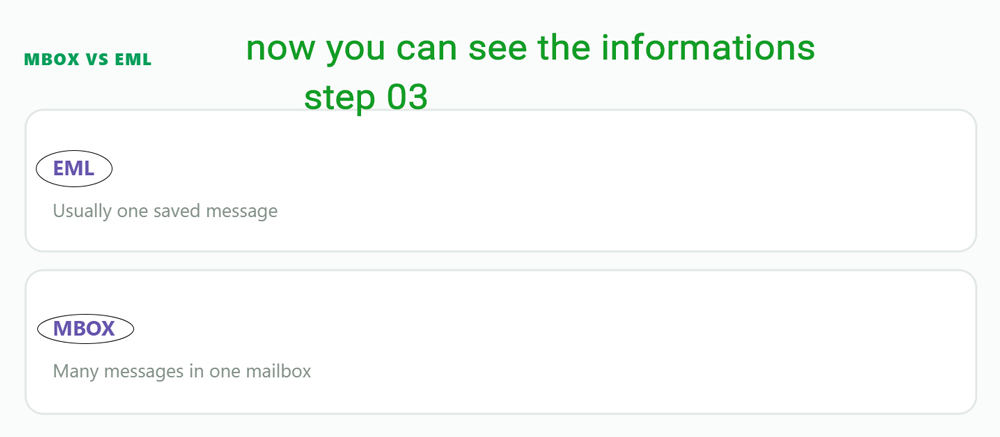
MBOX is a mailbox storage format in which multiple email messages are kept one after another inside a single file.
Individual messages still contain familiar email headers and MIME content, but the mailbox also needs a way to mark where one message ends and the next begins. That is why viewing MBOX is a different job from opening one EML message.
Search the message list before opening emails one by one
The search field is most useful when you remember who sent the message or roughly what the subject was.
Find a conversation topic
Search words appearing in the indexed subject line.
Find mail from a person
Filter messages using sender information from the mailbox headers.
Check who received it
Recipient header information can also be part of the mailbox search.
Narrow by stored date text
The indexed date header can help locate older messages.
EML and MBOX both contain email, but they solve different storage problems
Use an EML viewer when you have one saved email. Use an MBOX viewer when the file represents a mailbox containing many messages.
Trying to treat an MBOX like one enormous EML would make searching and navigation unnecessarily difficult.
Why might an HTML email look different from the original inbox?
HTML mail can reference scripts, remote images and other external resources. The browser viewer uses a restricted preview and does not automatically load remote image references. That keeps message inspection simpler, but it also means marketing emails and image-heavy newsletters may not reproduce their original visual layout perfectly.
The mailbox is indexed and individual messages are opened in the browser
The MBOX is read into the page, its message boundaries are indexed and individual selected messages are parsed in browser memory. The viewer does not import those messages into an email account or alter the source mailbox file.
Questions about browsing MBOX mailbox files
How do I open an MBOX file online?
Choose the .mbox file, wait for the mailbox to be indexed and then select messages from the list to read them.
Can one MBOX contain many emails?
Yes. MBOX is designed to store multiple email messages inside one mailbox file.
Can I search inside the mailbox?
Yes. The current viewer searches indexed message information such as subject, sender, recipient and date.
Does search include every word in the email body?
No. The current fast mailbox search is based on indexed header information rather than full-text indexing of every message body.
How many messages are shown at once?
The current interface paginates the filtered message list in groups of up to 50 messages.
Can I read HTML messages?
Yes, when the selected email includes an HTML body. The preview is displayed in a restricted viewer.
Can I download attachments from MBOX?
Yes. Open the relevant message first and its parsed attachments are listed separately for download.
What is the current MBOX size limit?
The current browser viewer accepts MBOX files up to 120 MB.
Does viewing MBOX import emails into my account?
No. The mailbox is inspected locally in the page and is not imported into an email account by this viewer.
Find the message first, then open only what you need
Index the MBOX, search the list and inspect individual emails without importing the mailbox elsewhere.