Convert SRT subtitles into clean WebVTT without rebuilding every cue by hand
SRT and WebVTT look similar when you open them as text, but the two
subtitle formats are not identical. Their timestamp syntax differs,
WebVTT expects its own file header, and simply changing the filename
from .srt to .vtt does not create a proper
WebVTT subtitle file.
The converter above reads the subtitle cues from your SRT, checks the timing lines, preserves the subtitle text and generates a clean WebVTT output with the timestamp format and header expected by VTT workflows.
You can load an SRT file or paste subtitle text directly, inspect the parsed cues before conversion, search the subtitles and then either copy the finished VTT text or download it as a file.
This subtitle converter is part of Xplore File Manager, where browser-based file tools are designed around the actual structure of the format instead of treating conversion as a simple filename change.
How to convert SRT to VTT online
Load the subtitle source, check that its cues were interpreted correctly and then create the WebVTT version when the timing and text look right.
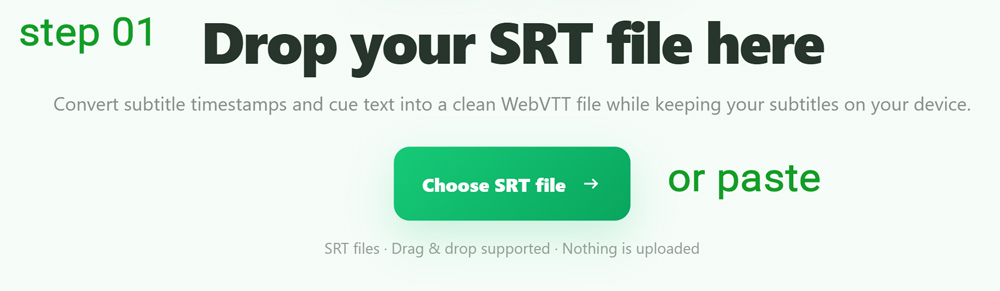
Choose an SRT file or paste the subtitle text
Click Choose SRT file, drag a .srt file onto the converter or paste SRT text directly into the text box.
The current file-based input accepts SRT files up to 25 MB. Pasted subtitles go through the same cue parser as a selected file.
Let the parser identify valid subtitle cues
The converter looks for SRT timing lines containing a start time,
the --> separator and an end time. Numeric cue
identifiers are recognized when they appear above a timing line.
Subtitle text can span multiple lines. Cues whose end time falls before their start time are not added to the valid cue list.
00:01:22,400 --> 00:01:25,100
This is the subtitle text.
Preview and search the parsed SRT cues
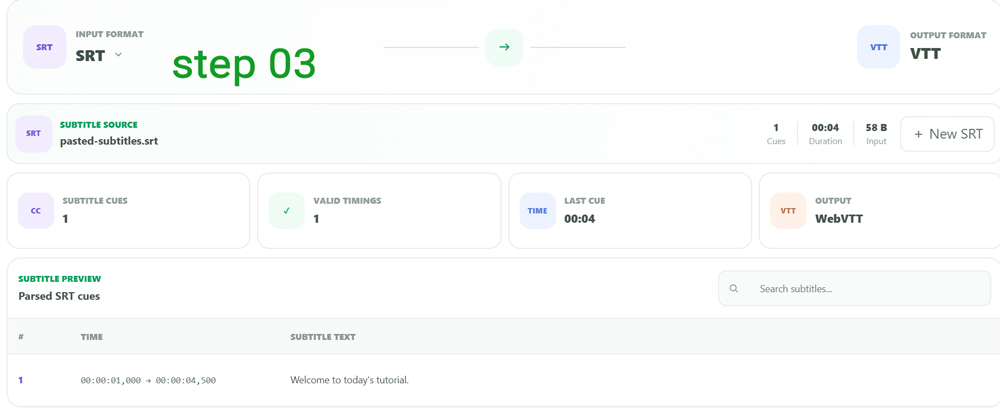
Before generating the VTT file, inspect the subtitle preview. The workspace reports the total cue count, valid timings, final cue time and original input size.
Use Search subtitles to find a word or phrase in the cue text without manually scrolling through a long subtitle file.
Convert SRT timestamps into WebVTT syntax
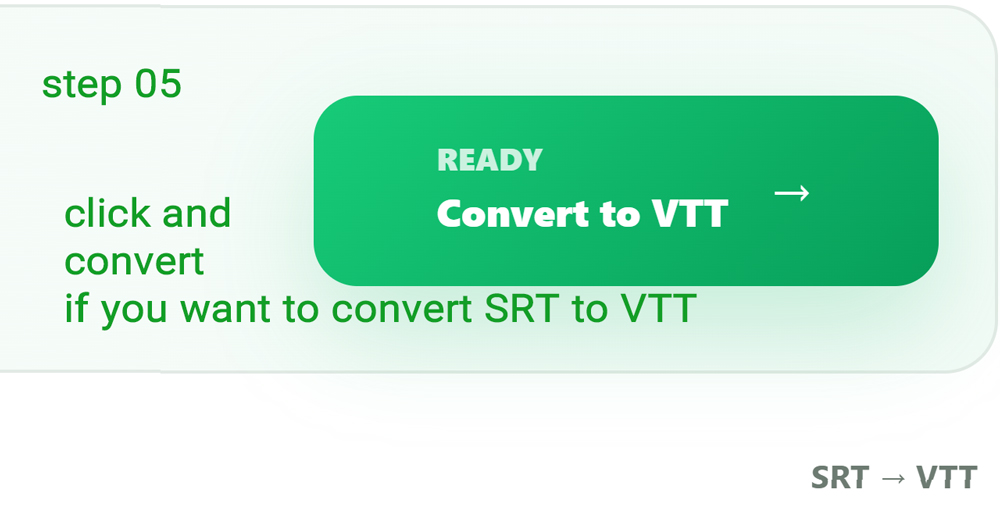
Click Convert to VTT. The converter generates a
new subtitle document beginning with the required
WEBVTT header.
Timing values are written with a period before milliseconds—for
example 00:00:05.000—instead of the comma commonly
used by SRT.
Copy the WebVTT text or download the VTT file
The finished WebVTT appears directly in the result area, so you are not forced to download it just to inspect the output.
Use Copy VTT when you need the subtitle markup
in another editor, or Download VTT to save the
finished .vtt file.
What is an SRT file?
SRT, or SubRip Subtitle, is a text-based subtitle format built from numbered cues. Each cue normally contains an identifier, a start and end timestamp and one or more lines of subtitle text.
Its simplicity is one reason SRT is supported by a wide range of media players, editors and subtitle workflows.
1
00:00:01,500 --> 00:00:04,200
Welcome to the video.
WEBVTT

00:00:01.500 --> 00:00:04.200
Welcome to the video.
What changes when SRT becomes WebVTT?
WebVTT is a subtitle and timed-text format commonly associated with
web video. A WebVTT document begins with a
WEBVTT header and uses dot-separated milliseconds in
its cue timestamps.
For this conversion, the readable SRT cue text and timing values are rebuilt into a straightforward VTT document without adding unnecessary cue styling or positioning rules.
The formats are similar, but the syntax still matters
| Feature | SRT | WebVTT |
|---|---|---|
| Typical extension | .srt | .vtt |
| File header | Not normally required | WEBVTT |
| Milliseconds | 00:00:05,500 |
00:00:05.500 |
| Cue numbering | Common | Not required for the output generated here |
| Typical use | General subtitle compatibility | Web and HTML5 timed text |
The converter handles more than one perfectly formatted SRT pattern
Real subtitle files are not always produced by the same editor, so small variations in their text representation are common.
Numeric cue IDs are optional to the parser
When a numeric identifier sits directly above a valid timestamp, it is recognized and skipped before the cue text is read.
Comma or period input can be read
The SRT timing parser accepts comma or period millisecond separators and writes standardized VTT timestamps in the result.
Multi-line subtitle text stays together
Text lines belonging to the same valid cue are joined into the same WebVTT cue instead of being treated as separate subtitles.
The file reader tries UTF-8 first and has a legacy text fallback
Subtitle collections often contain older text files created by different applications. The file reader first attempts strict UTF-8 decoding and can fall back to Windows-1252 when UTF-8 decoding fails.
A leading byte-order mark is removed from the parsed text and Windows line endings are normalized before cue detection begins.
Why convert subtitles to WebVTT?
Prepare timed text for browser video
WebVTT is a natural target when subtitles are being prepared for a web-based video workflow.
Meet a VTT subtitle requirement
Some video platforms or publishing systems request a .vtt subtitle track rather than an SRT file.
Get clean VTT text to paste elsewhere
The generated output can be copied directly without first saving and reopening the VTT in another text editor.
The SRT is parsed and converted inside your browser
Selected subtitle files are read in browser memory and pasted text is processed directly by the page. The VTT document is generated locally and downloaded from the browser without requiring an account.
Questions about converting SRT subtitles to WebVTT
How do I convert SRT to VTT online?
Choose an SRT file or paste subtitle text, review the parsed cues, click Convert to VTT and then copy or download the generated WebVTT.
Can I convert SRT to VTT without uploading a file?
Yes. You can paste SRT subtitle text directly into the converter instead of choosing a file.
What happens to SRT timestamps?
Parsed cue times are rebuilt in WebVTT notation using a period before milliseconds.
Does the converter add the WEBVTT header?
Yes. The generated subtitle begins with a WEBVTT header followed by the converted cues.
Are subtitle numbers copied into the VTT?
Numeric SRT identifiers are used while parsing the input, but the generated VTT cues do not require those numeric sequence lines.
Can I preview subtitles before conversion?
Yes. The workspace shows parsed cue numbers, timings and subtitle text before the VTT output is generated.
Can I search inside a long SRT?
Yes. The subtitle preview has a search field for filtering cues by their text content.
Can it read old subtitle text encodings?
The file reader attempts UTF-8 first and has a Windows-1252 fallback for files that cannot be decoded as strict UTF-8.
What is the maximum SRT file size?
The current file input accepts SRT subtitle files up to 25 MB.
Can I copy the converted VTT instead of downloading it?
Yes. The result includes both Copy VTT and Download VTT controls.
Convert your subtitle cues into a clean VTT file
Load the SRT, inspect the timings and download or copy the WebVTT result.